Lite
A simple starting point for your first ideas.
$9.99/month
Monthly
Billed monthly · USD
- 60 credits / month
- Resets every month
- Up to 3 projects
- Generations at once: 1
- Chat edits and version history
- Export to Roblox Studio


 30 monthly credits · No cardStart free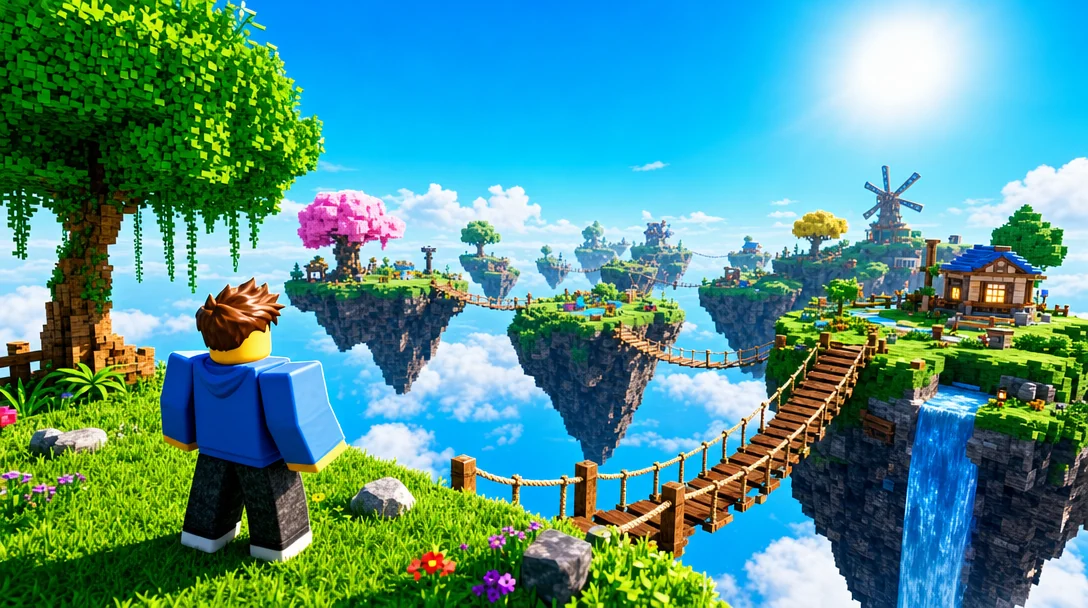
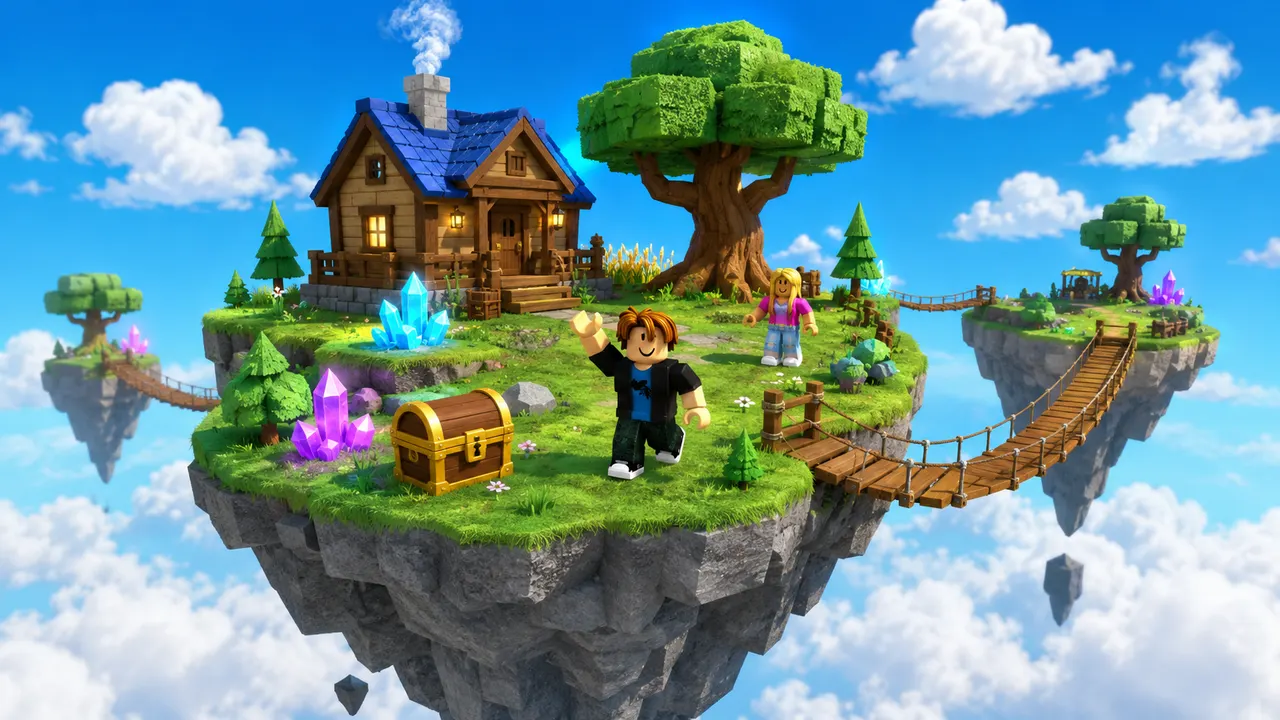 Sky Islands
A Roblox game icon is the square image beside your experience's name — 512 × 512 pixels — and it is the single most compressed piece of art in the platform: players see it at roughly 64 to 150 pixels in a scrolling list. That constraint is the whole design brief. An icon that packs in a full scene, a character and a title becomes grey mush at list size, while one bold symbol on a contrasting background stays legible. Describe the icon you want and Roblox AI generates it square at full size, so you can shrink it to 64 pixels in a preview and see immediately whether it survives. Generate a batch, judge them small, and only then look at them large.
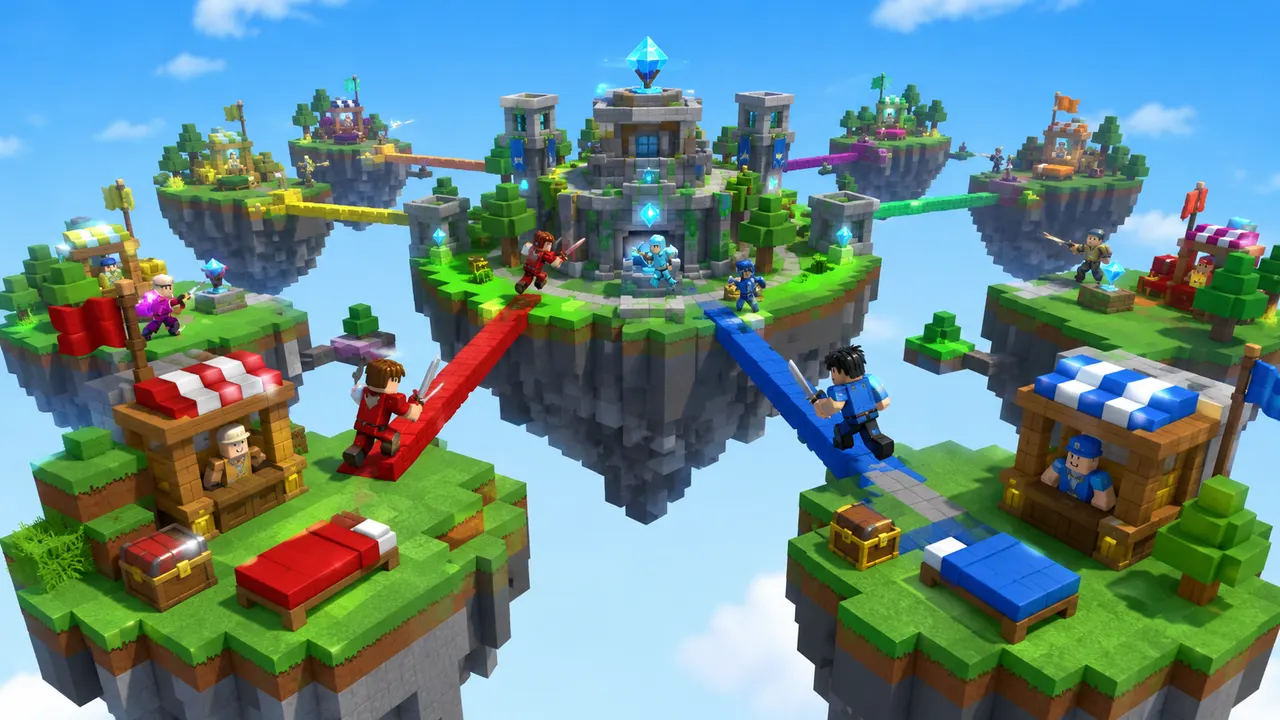
You describe the game. Roblox AI builds the world, writes the Luau, and wires the systems — a complete, playable place, generated in minutes.
How it works
One prompt.
Type your game idea in plain English — the genre, the map, the rules. No coding required — the AI writes all the Luau for you.
The AI plans the build, writes the Luau scripts, places the parts and assembles a playable place file in minutes.
Download it, open it in Roblox Studio, and publish it from your own Studio session.
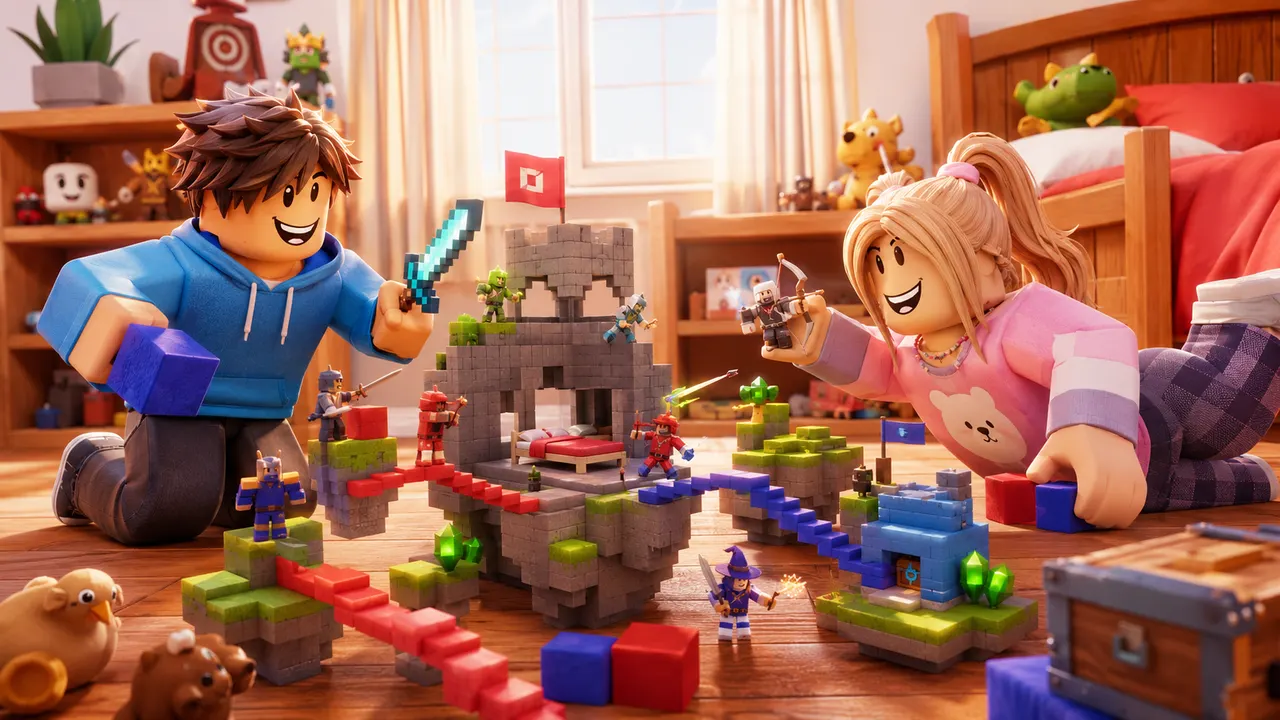 Playable
What it builds
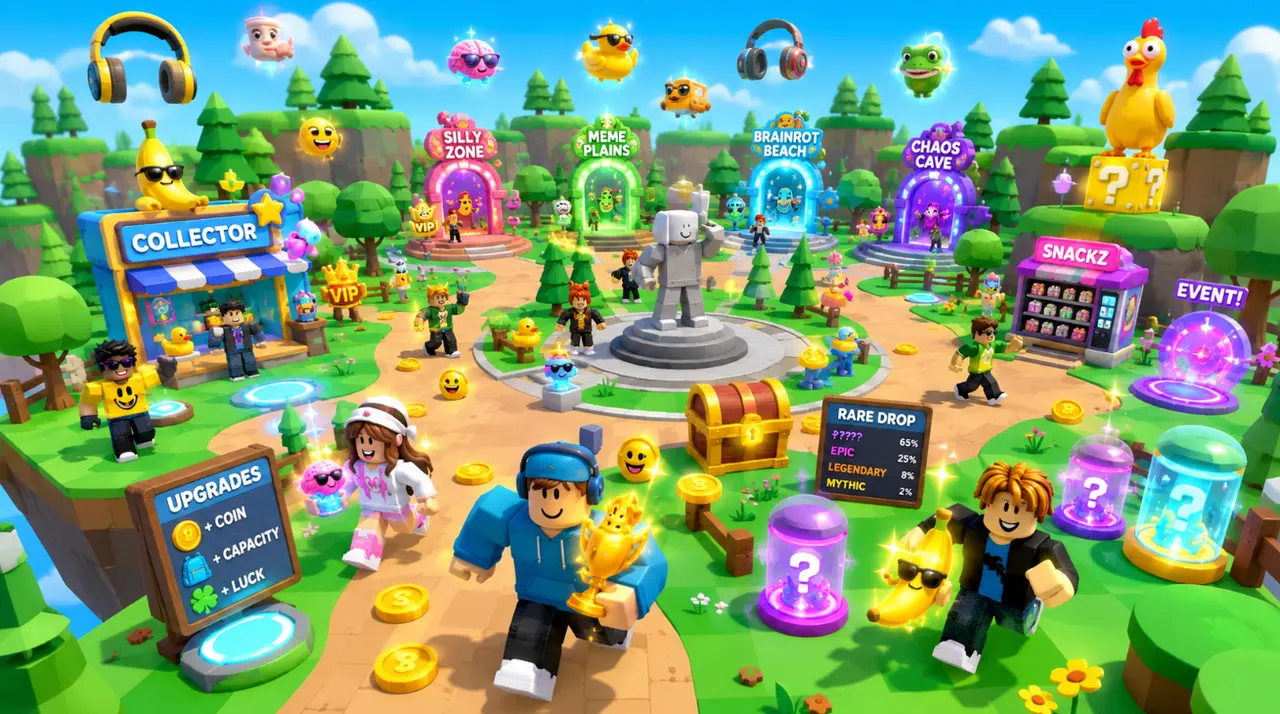
Any game.
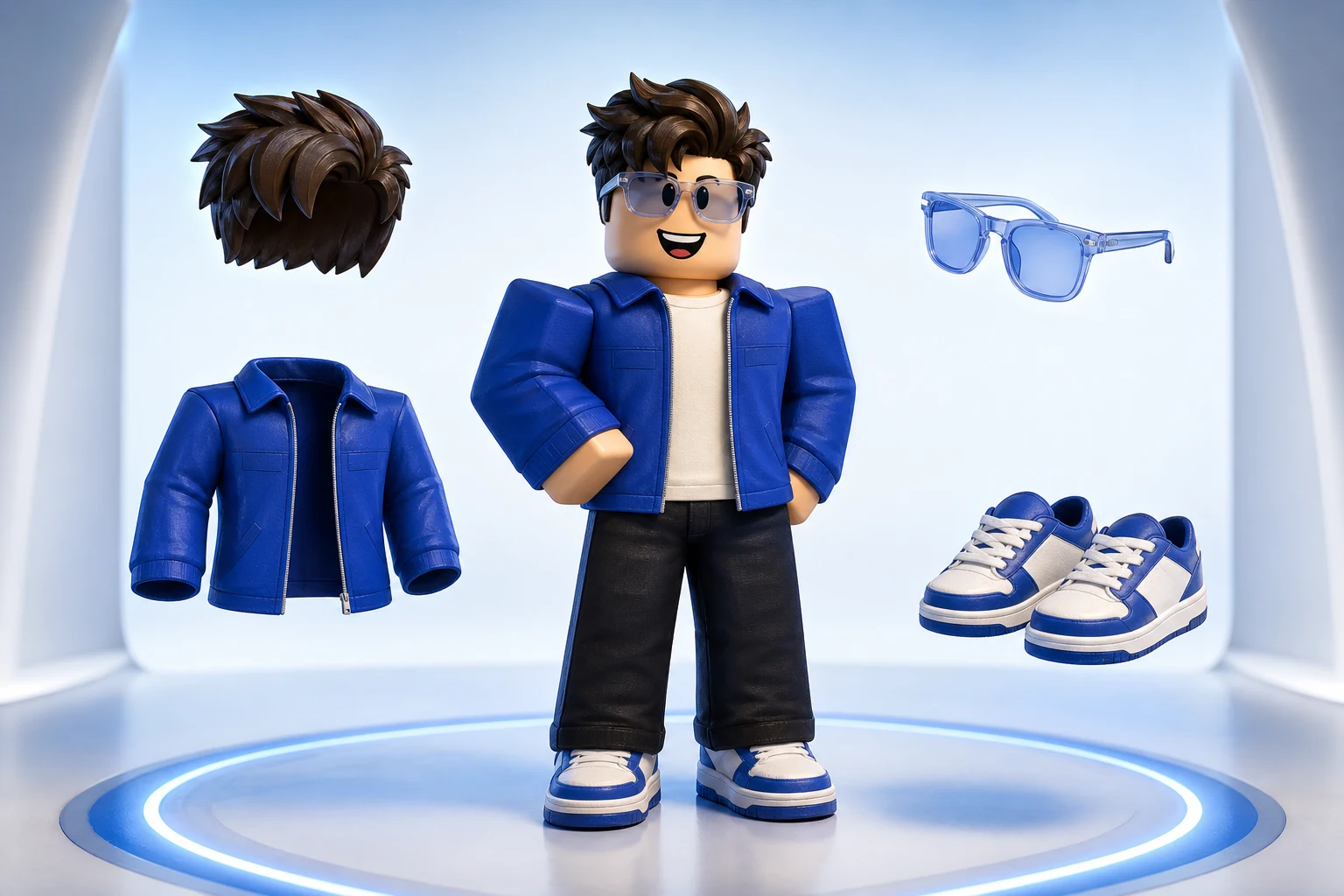
The same account generates avatar and outfit sources, classic clothing templates, UGC accessories and full characters — files you own, sized and formatted to pass Roblox upload rather than to look right in a preview.
Turn an idea into something playable to build on.
Get the avatar right without buying twice.
Design something uploadable without opening an image editor.
Make a UGC item worth publishing to the Marketplace.
Ship clothing that survives every body and animation.
Own a character nobody else can equip.
Give the game a face people click on.

Feed a channel without filming anything.
Start with 30 free credits each month. Lite is $7/month for 60 credits and the place-file download, Starter is $15/month for 150 credits, and Pro is $35/month for 400 credits and 720p video.
A simple starting point for your first ideas.
Monthly
Billed monthly · USD
A richer starting point with more room to create.
More room to build your game, make its art, and refine the details.
Monthly
Billed monthly · USD
A fuller starting point for complete games.
More creative room, plus HD video and detailed 3D assets for your world.
Monthly
Billed monthly · USD
Our best starting point for detailed worlds.
More usage for developing bigger ideas and refining your games over time.
Monthly
Billed monthly · USD
All paid plans include chat refinement, saved versions, and Roblox Studio export. Credits refresh monthly, including on yearly plans.
Free. Try building with 30 monthly credits. Your games stay yours.
Credits refresh monthly with your plan. Cancel anytime.
512 × 512 pixels, square, PNG or JPG. Roblox displays it far smaller — around 64 to 150 pixels wide in lists — so the size you upload is not the size anyone judges it at.
One idea, big. A single symbol, strong colour contrast against the background, a thick outline so it separates from the page, and no small text — words below about a tenth of the icon's width are unreadable at list size. Icons that work look almost too simple at full size.
They should share a palette and a subject so your game is recognisable across the page, but they are not the same image at two sizes. The thumbnail shows the world; the icon is a mark. Cropping a thumbnail into a square is the most common way to end up with an unreadable icon.
One short word can work if it fills most of the frame — a title in a normal-sized font will not. Test it by shrinking the icon to 64 pixels: if you cannot read the word, players cannot either.
The only spec you have to hit is a 512 × 512 square, PNG or JPG, under 20 MB — there is no official layout template beyond that. What functions as a template is the composition: one subject centred, filling roughly two thirds of the frame, on a flat contrasting background. Generating at full size and previewing small does the same job a template grid would.
In Roblox Creator Dashboard, open your experience, go to the Basic Settings or Thumbnails section, and upload the new 512 × 512 image. It goes through Roblox moderation before it appears publicly, which usually takes minutes but can take longer.
Ready when you are
Your turn.
Describe an idea and generate a Roblox place to preview and refine. Start with 30 credits each month. No credit card.