Generate a focused wearable
Prompts are augmented to exclude mannequins, stands, environments, floating fragments, and unrelated props. The provider is asked for a single coherent source that is easier to fit and clean up.


 Roblox UGC Maker · Free account requiredView plans
 UGC Fitting
A Roblox UGC maker helps creators move from an idea to editable 3D source geometry. Roblox AI supports rigid accessories such as hats, helmets, glasses, and shoulder companions, plus layered-clothing sources such as jackets and coats. The selected type changes the generation guidance: rigid accessories need one connected wearable mesh and a clear attachment position, while layered clothing needs clean garment geometry that can survive rigging, caging, and deformation work.
Generation does not grant Marketplace eligibility or bypass Roblox's creation rules. A rigid accessory must be imported, positioned on an attachment, converted with the Accessory Fitting Tool, and tested across bodies and animations. A layered item needs an armature, inner cage, outer cage, WrapLayer data, and deformation testing. Roblox then applies validation, moderation, publishing permissions, fees, and Marketplace policy. The product is valuable because you receive the files to continue that official process rather than a picture of an item you cannot use.
Prompts are augmented to exclude mannequins, stands, environments, floating fragments, and unrelated props. The provider is asked for a single coherent source that is easier to fit and clean up.
The generator requests headroom below the published accessory limits instead of aiming directly at the ceiling. The final imported triangle count still needs to be checked because remeshing and triangulation can change it.
Rigid and layered items receive different handoff notes. The package points creators to Accessory Fitting Tool or Avatar Setup rather than implying that one generic upload button can finish every asset.
Use rigid for items that attach to one point and keep their shape. Use layered clothing for garments that wrap, stretch, and move with different bodies and animations.
Start with a draft when the silhouette is uncertain. Move to detailed source after the shape works. Download the GLB, textures, and any additional returned formats for cleanup.
Open the appropriate Roblox tool, set the attachment or cages, test against default bodies and motion, resolve validation warnings, and publish only through an eligible creator account.
These are starting points, not fixed templates. Change the silhouette, material, palette, body, and personality before you generate.
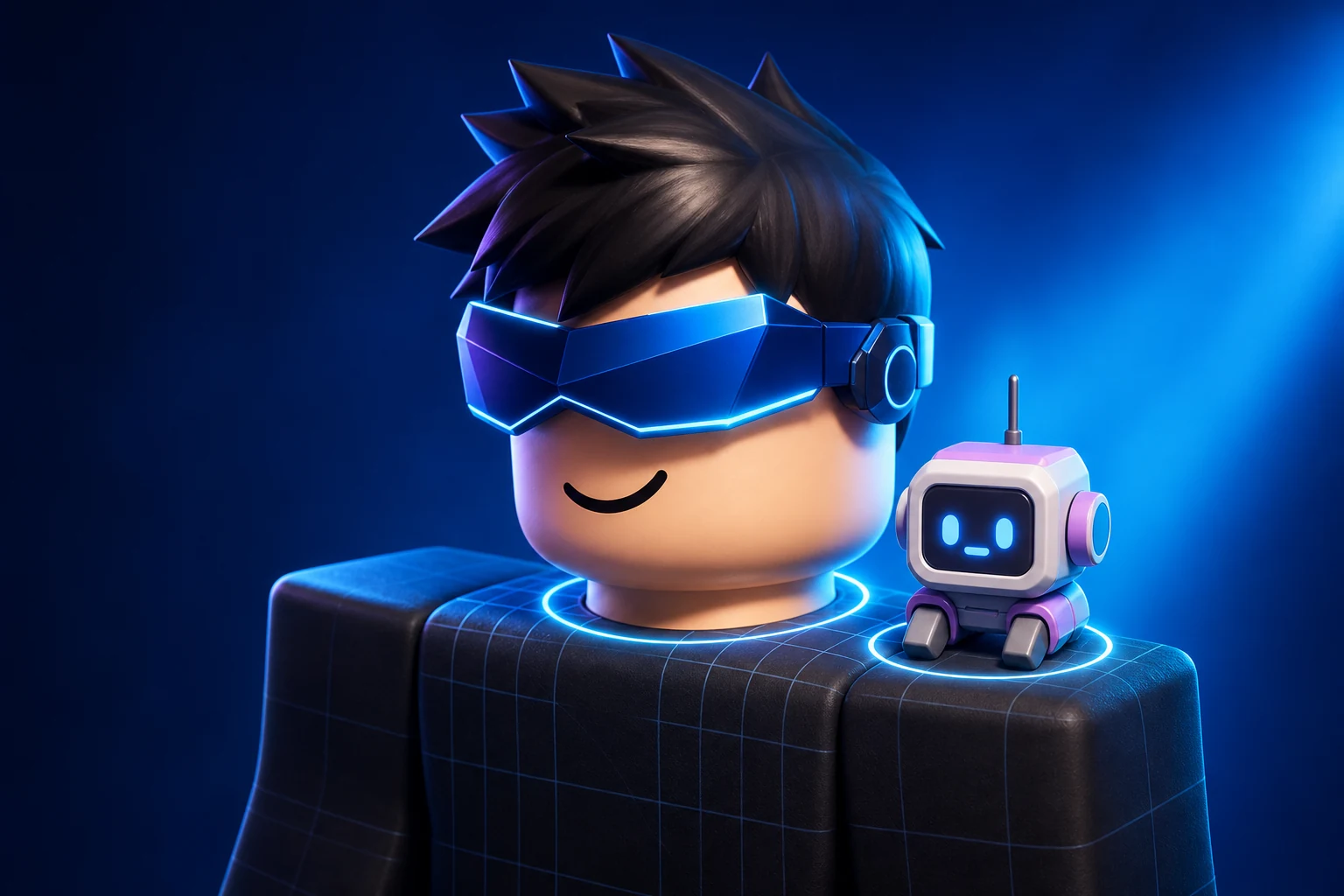
“An original angular chromecore face visor with a deep cobalt lens, silver segmented shell, one connected mesh, and no head or mannequin.”
“A small friendly pastel shoulder robot with a rounded screen face, compact limbs, clean silhouette, and one wearable connected form.”
“A streamlined sport helmet with a clean aerodynamic shell, navy and white materials, subtle vents, and a clear head-accessory silhouette.”
Browse the showcase before choosing a plan. Building, refinements and media generation require an active paid subscription. No free trials or free generation credits.
A simple starting point for your first ideas.
Monthly
Billed monthly · USD
A richer starting point with more room to create.
More room to build your game, make its art, and refine the details.
Monthly
Billed monthly · USD
A fuller starting point for complete games.
More creative room, plus HD video and detailed 3D assets for your world.
Monthly
Billed monthly · USD
Our best starting point for detailed worlds.
More usage for developing bigger ideas and refining your games over time.
Monthly
Billed monthly · USD
All paid plans include chat refinement, saved versions, and Roblox Studio export. Credits refresh monthly, including on yearly plans.
Browse first. Browse the showcase. Generation requires a paid plan; no free trials.
The generated source can enter your normal creation workflow, but you are responsible for originality, rights, cleanup, technical compliance, creator eligibility, fees, moderation, and every current Roblox Marketplace rule.
Not to the exported source. Use Roblox's Accessory Fitting Tool to choose the accessory type, position it against supported bodies, confirm its attachment point, and generate the final Accessory object.
No. Generated geometry is a starting mesh. Layered clothing still needs rigging plus inner and outer cages, wrap data, deformation testing, and official validation before it can behave correctly on avatars.
A concept image communicates appearance but cannot be imported as wearable geometry. Roblox AI returns actual 3D source files that you can inspect, edit, fit, and submit through the official workflow.