3 monthly credits · No cardStart free
Generate a whole Roblox world — terrain, biomes and props — from one prompt.
A place file with Luau 
Icons, thumbnails, GFX Five second clips
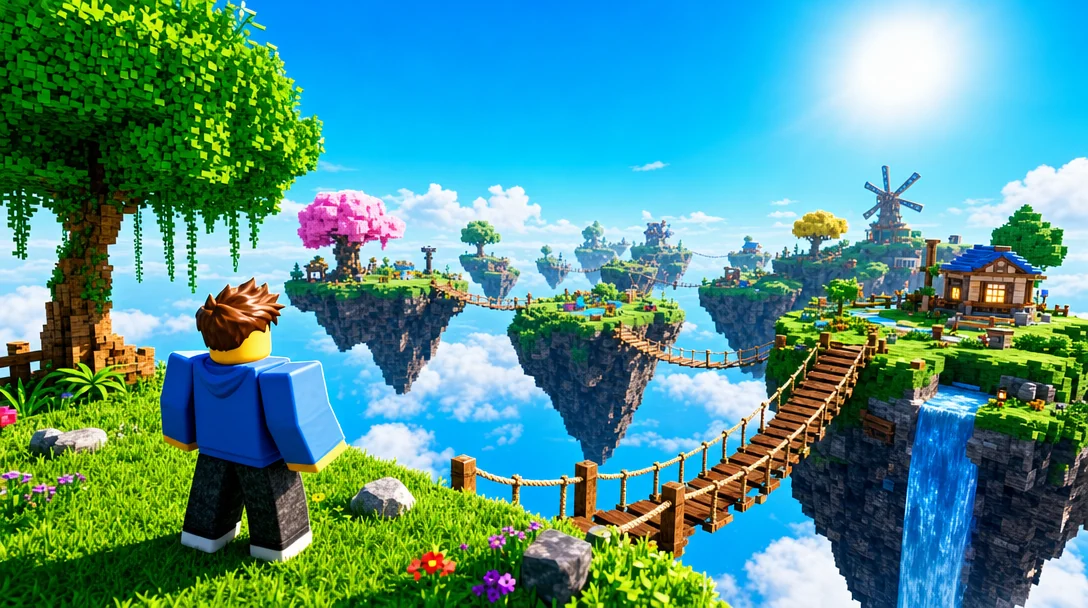
 Sky Islands3 monthly credits · No cardStart freeSky Islands
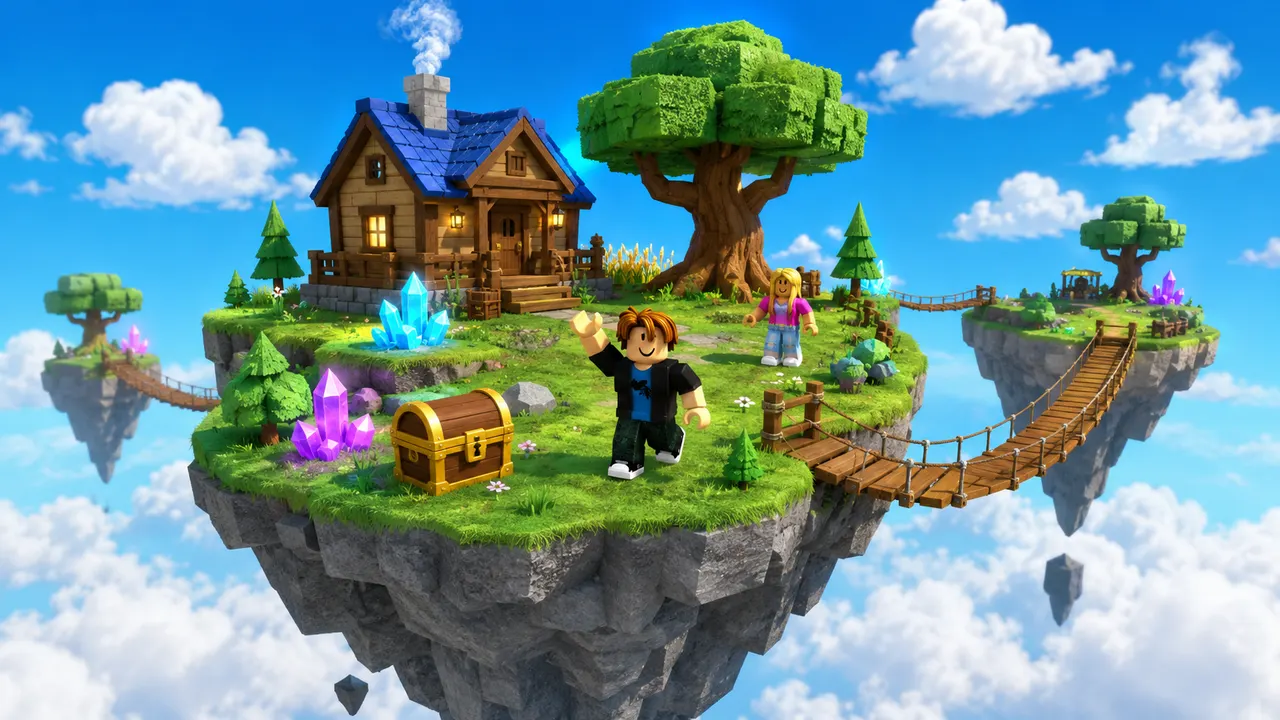
A Roblox AI world generator turns a written description into a complete, explorable Roblox world — the terrain, the layout and everything placed on it. With Roblox AI you describe the world you want — “a snowy mountain valley with a frozen lake and a log village” — and the AI generates it: it sculpts native Roblox Terrain from a noise heightmap for the hills, lake and shoreline, then procedurally places the buildings, trees, rocks and props on top, using real catalog meshes so it looks finished rather than a field of grey blocks. Because the generation is seeded and rule-driven, the result reads as a designed place, not random scatter — and it stays fully editable. Refine any part by chatting, or open the place file in Roblox Studio to keep building.
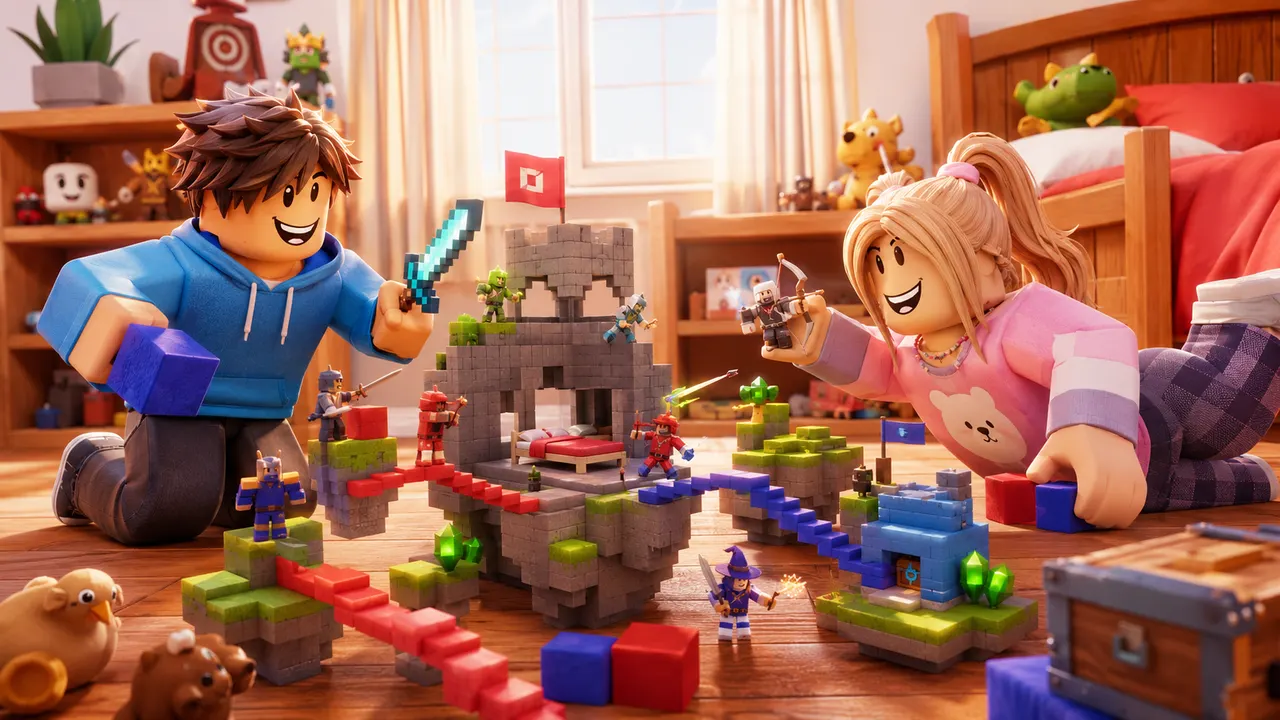
You describe the game. Roblox AI builds the world, writes the Luau, and wires the systems — a complete, playable place, generated in minutes.
How it works
One prompt.
Type your game idea in plain English — the genre, the map, the rules. No coding required — the AI writes all the Luau for you.
The AI plans the build, writes the Luau scripts, places the parts and assembles a playable place file in minutes.
Download it, open it in Roblox Studio, and publish it from your own Studio session.
 Playable
What it builds
Any game.
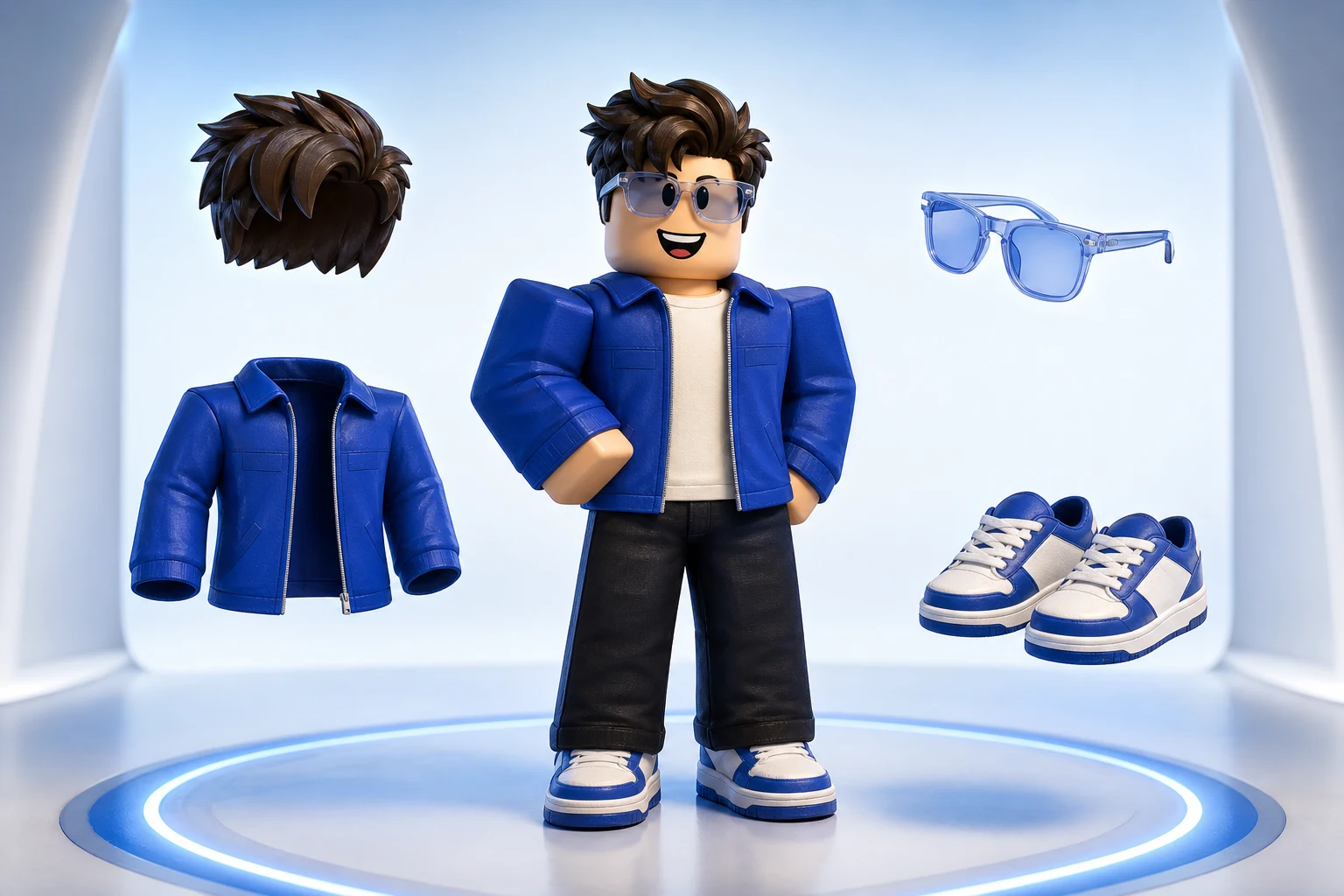
The same account generates avatar and outfit sources, classic clothing templates, UGC accessories and full characters — files you own, sized and formatted to pass Roblox upload rather than to look right in a preview.
Turn an idea into something playable to build on.
Get the avatar right without buying twice.
Design something uploadable without opening an image editor.

Make a UGC item worth publishing to the Marketplace.
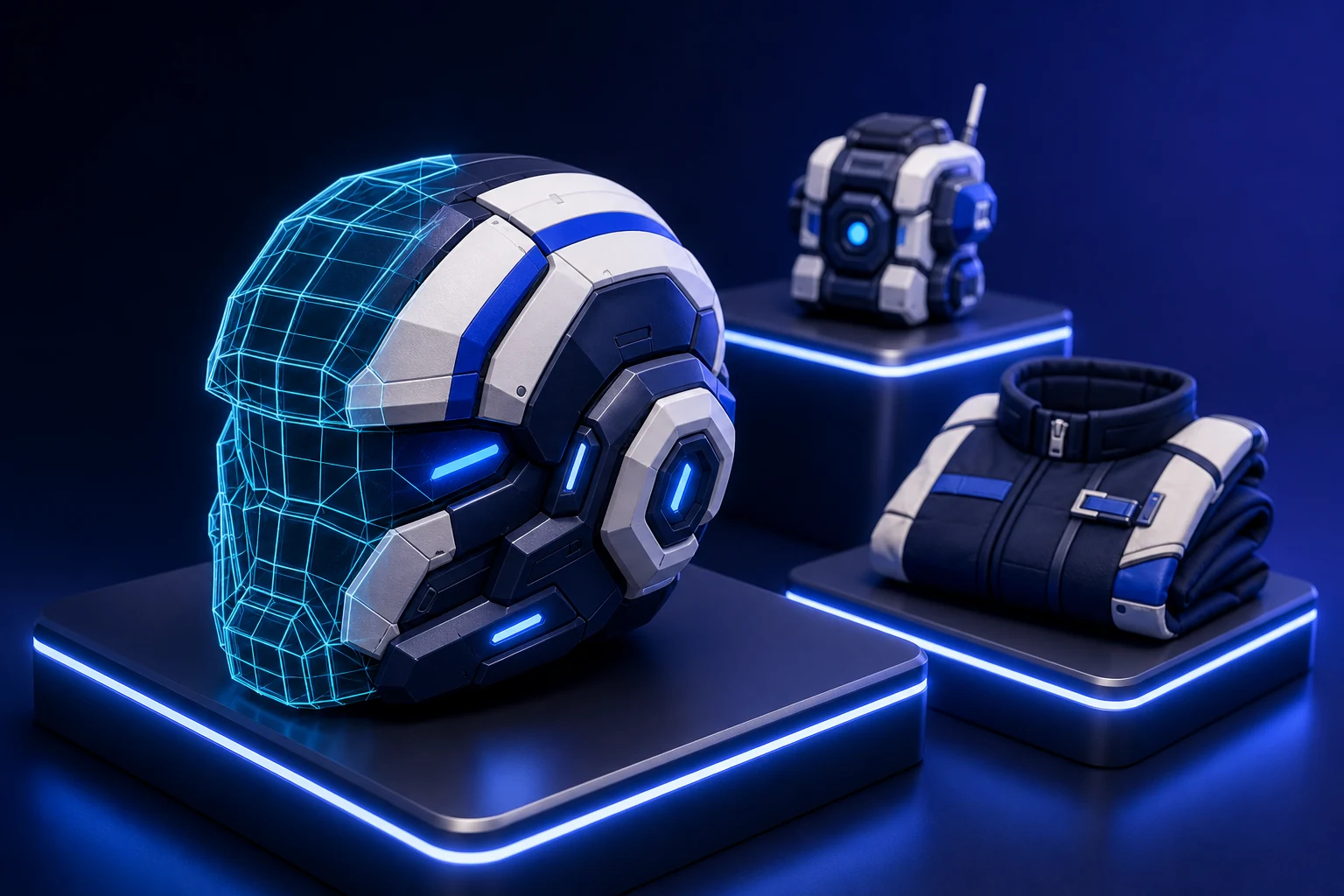
Ship clothing that survives every body and animation.
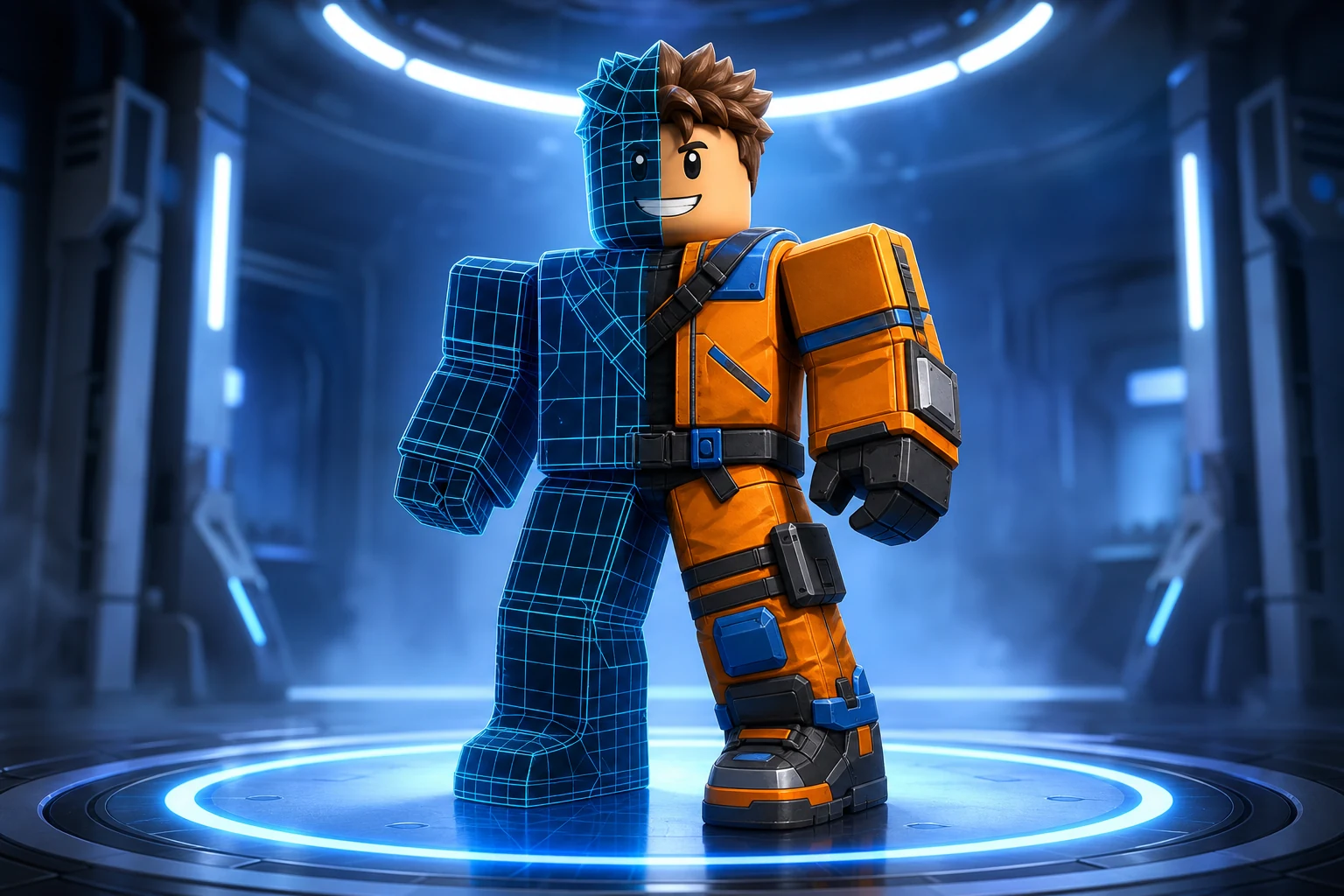
Own a character nobody else can equip.
Give the game a face people click on.

Feed a channel without filming anything.
Roblox AI doesn’t paste a pre-made map. It generates a world the way a level designer would build one — shaping the land first, then placing everything on it. Here’s a real run, one prompt, start to finish:
❯Generate a snowy mountain valley with a frozen lake, pine forest, and a small log village.


The valley comes first. The AI drives a noise heightmap — smooth, natural elevation — through Roblox’s native Terrain to carve the slopes, hollow out the basin and flood it for the frozen lake. Native Terrain is the deliberate choice here: it stays smooth and performant where a grid of parts would look blocky and lag the place.

Then the ground gets populated. A seeded generator lays down the log cabins and scatters the pine forest in a single pass — dozens to hundreds of objects at once. Because the placement is rule-based, not random, the cabins cluster into a village, a path threads between them, and the trees thin out as they approach the lakeshore.

The pines and rocks aren’t grey blocks — where it can, the generator composes real Roblox catalog meshes, placed as MeshParts, so the scene looks finished. Structures it does build from parts, like the cabins, are grouped and styled (walls, roof, door) so they read as buildings rather than primitives.

World generation here is incremental. Roblox AI reads the valley you just made and builds onto it instead of wiping the baseplate — ask for “add a frozen harbor on the east shore” and it extends the existing scene in context. You shape a world prompt after prompt, not in one irreversible shot.
Swap the snowy valley for any biome — describe the landmarks and the mood, and the generator builds a matching world with a settlement or points of interest inside it.
Start with 5 free credits each month. Lite is $7/month for 60 credits and the place-file download, Starter is $15/month for 150 credits, and Pro is $35/month for 400 credits and 720p video.
Try world building, images and video with 5 free credits every month. No credit card.
The cheapest way to take your work out of the browser. Download your place file, generate avatars and video.
For creators making thumbnails and icons for their own experiences.
For creators shipping regularly. Adds 720p video and detailed 3D assets.
Credits refresh monthly with your plan. Cancel anytime.
A Roblox AI world generator turns a text description into a complete Roblox world — the terrain, the biome and the objects placed on it. You describe the world in plain English and the AI sculpts the terrain, lays out the scene, and places the props, producing an explorable place file with no manual building or coding.
It uses native Roblox Terrain — not a grid of parts. The AI drives a noise heightmap (smooth, natural-looking elevation) through Terrain fill operations to sculpt hills, mountains, valleys, beaches, caves and water. Native Terrain is what keeps a generated world smooth and performant instead of blocky and laggy.
Yes. For the objects on the ground — trees, rocks, houses, ruins — the generator runs seeded procedural code that can place dozens to hundreds of instances in a single pass. Because it is seeded and rule-based rather than random, the layout reads as designed: roads connect, buildings cluster into a village, forests thin out toward a clearing.
Common biomes and world types — forests, snowy tundra, deserts, islands and archipelagos, mountains, canyons, swamps and underground dungeons — plus settlements like villages, towns and ruins placed within them. You describe the biome, the landmarks and the mood, and the generator builds a matching world.
Where it can, the generator composes real Roblox catalog meshes — actual trees, rocks, furniture and props — placed as MeshParts, so the world looks finished instead of a field of grey cubes. Structures it does build from parts (like houses) are grouped and styled so they read as objects, not primitives.
Yes. Roblox AI reads the place you already have and builds on top of it, so you can generate into an existing world rather than starting from an empty baseplate. Ask for “add a harbor to the east side” and it extends what is there instead of replacing it.
Ready when you are
Your turn.
Describe an idea and generate a playable Roblox game in minutes. Start with 3 free monthly credits — no credit card and no coding required.