3 monthly credits · No cardStart free
A browser-based Lemonade AI alternative — describe a game, get a playable Roblox game, no install.
A place file with Luau 
Icons, thumbnails, GFX Five second clips
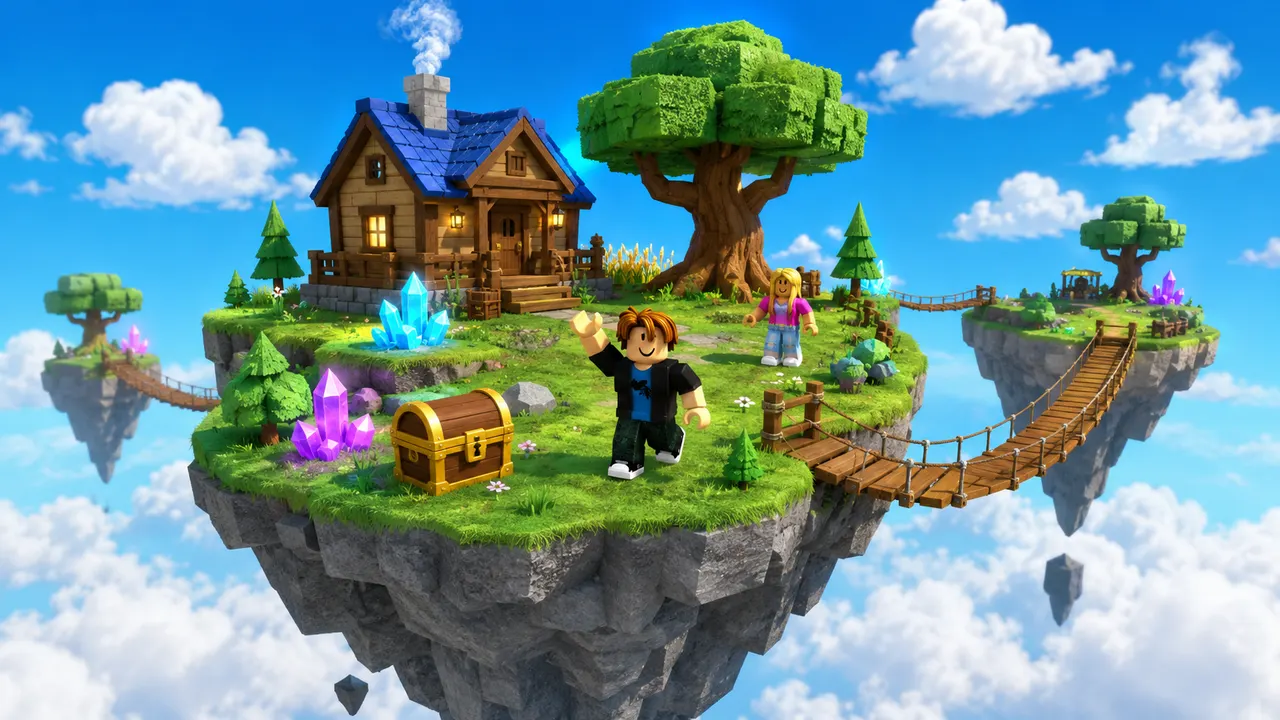 Sky Islands3 monthly credits · No cardStart freeSky Islands
The best Lemonade AI alternative depends on where you want the AI to work. Lemonade is a Studio-native agent: it lives inside Roblox Studio as a plugin and edits your open place. Roblox AI takes the opposite approach — it runs entirely in your browser, so you describe a game in plain English and it generates the map, writes the Luau and assembles a playable place file with nothing to install. You can refine by chatting, download the place file, and publish it from your own Roblox Studio session. If you want to start building without setting up Studio first, or from a device where Studio doesn't run, a browser-based tool is the more direct path.
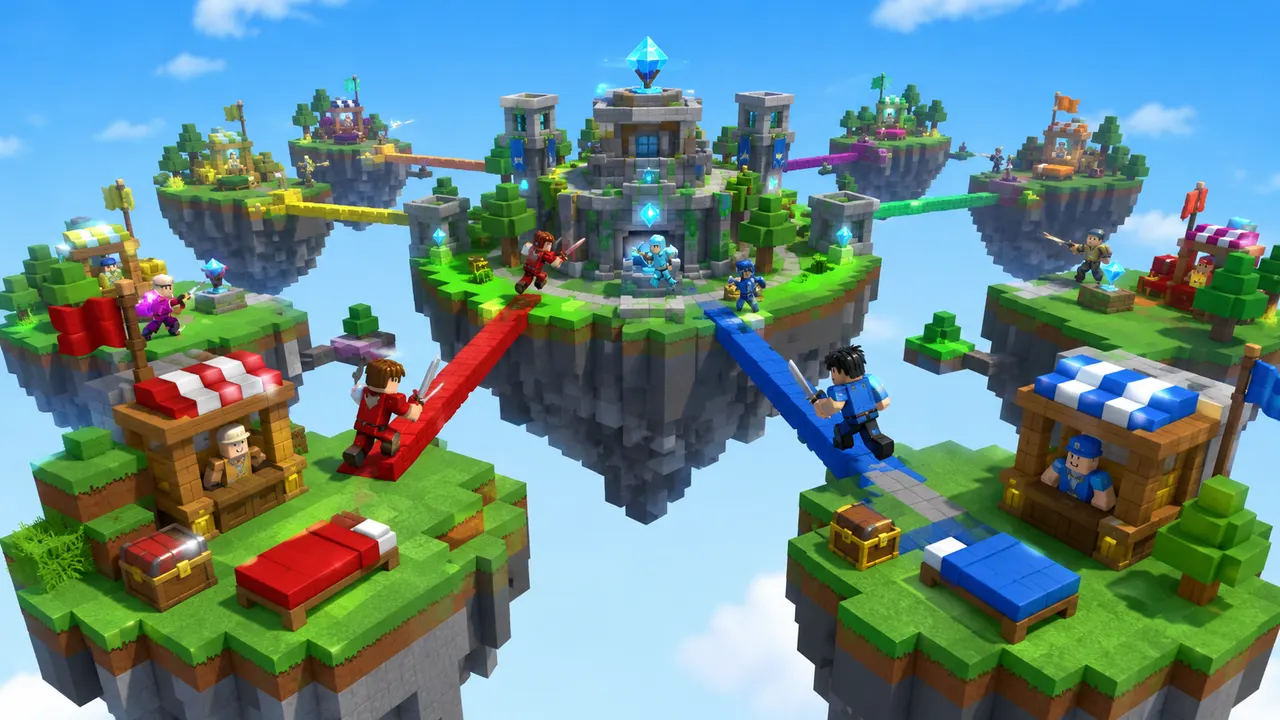
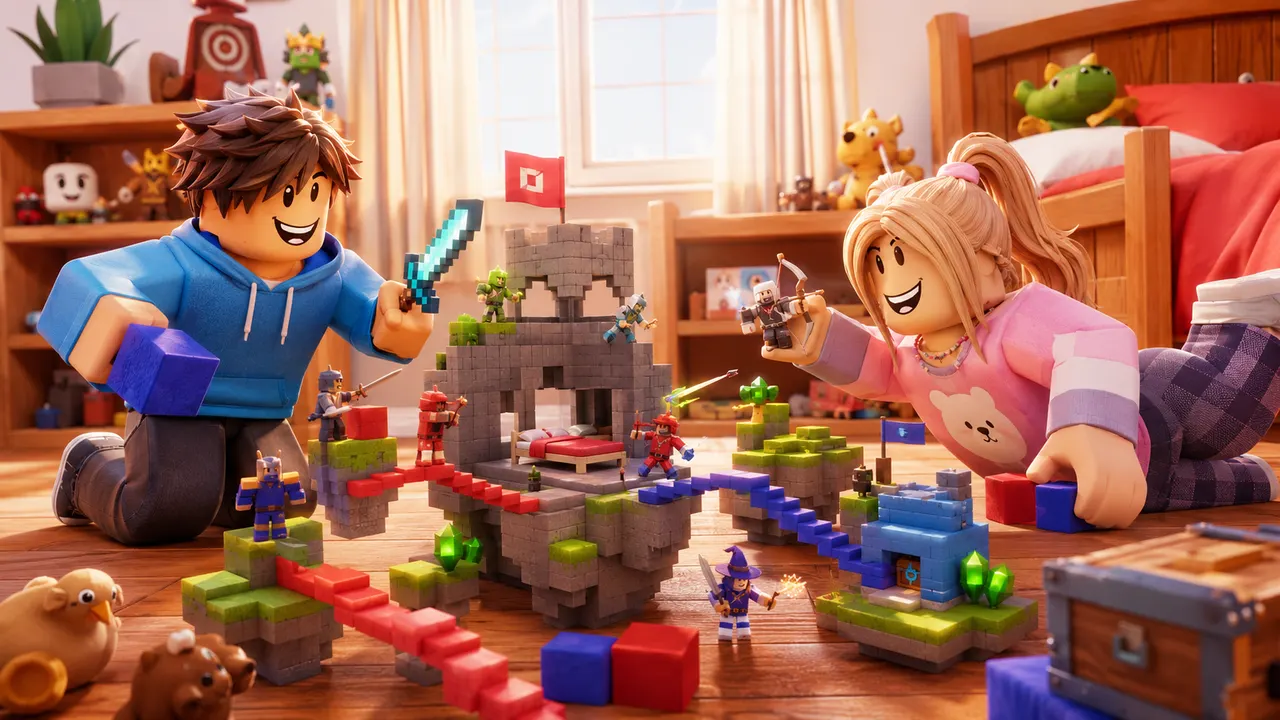
You describe the game. Roblox AI builds the world, writes the Luau, and wires the systems — a complete, playable place, generated in minutes.
How it works
One prompt.
Type your game idea in plain English — the genre, the map, the rules. No coding required — the AI writes all the Luau for you.
The AI plans the build, writes the Luau scripts, places the parts and assembles a playable place file in minutes.
Download it, open it in Roblox Studio, and publish it from your own Studio session.
 Playable
What it builds
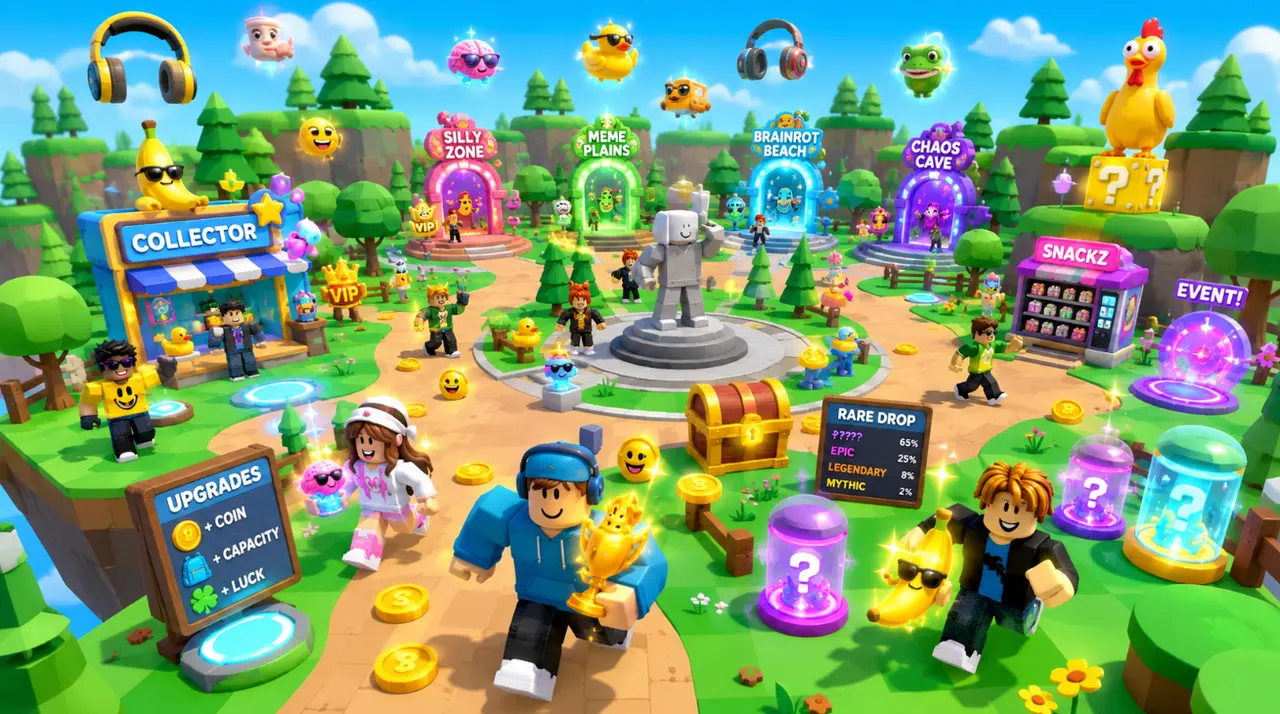
Any game.
The same account generates avatar and outfit sources, classic clothing templates, UGC accessories and full characters — files you own, sized and formatted to pass Roblox upload rather than to look right in a preview.
Turn an idea into something playable to build on.

Get the avatar right without buying twice.
Design something uploadable without opening an image editor.

Make a UGC item worth publishing to the Marketplace.

Ship clothing that survives every body and animation.

Own a character nobody else can equip.
Give the game a face people click on.

Feed a channel without filming anything.
Lemonade is a Studio-native agent for people already working inside Roblox Studio. Roblox AI is a browser-based generator for going from idea to a playable game without setting Studio up first.
| Feature | Roblox AI | Lemonade |
|---|---|---|
| Works in the browser (no install) | ✓ | Studio plugin |
| Requires Roblox Studio to start | Optional | ✓ |
| Generates a full place file | ✓ | ✓ |
| Writes the Luau for you | ✓ | ✓ |
| Studio-ready place file export | ✓ | ✓ |
| Refine by chatting | ✓ | ✓ |
| Free tier to start | 60 credits/mo | Varies |
| Interface language | EN / ES / PT-BR | EN |
Roblox AI runs in the browser, so you can go from a prompt to a playable game without downloading Studio or configuring a plugin first — useful on a Chromebook, a school device, or any machine where Studio isn't set up.
Download the generated .rbxlx place file, open it in Roblox Studio, review it, and publish from the Roblox account already signed into Studio.
The Free plan includes 60 credits every month with no credit card, so you can test generation and refinement before upgrading.
Ask for a change and the AI edits the existing game in place, so you iterate forward by chatting instead of rebuilding from scratch.
Pick Lemonade if you live inside Roblox Studio and want an AI agent editing your open place. Pick Roblox AI if you'd rather describe a game in the browser, start with 3 free monthly credits, and take the generated place file into Studio. Both write Luau; the main difference is where generation starts.
Start with 60 free credits each month. Starter is $15/month for 750 credits, Pro is $35/month for 1,900 credits and 720p video, and Max is $95/month for 5,250 credits and unlimited projects.
Try world building, images and video with 60 free credits every month. No credit card.
For creators making thumbnails and icons for their own experiences.
For creators shipping regularly. Adds 720p video and detailed 3D assets.
Best value per credit. For studios and anyone generating every day.
Credits refresh monthly with your plan. Cancel anytime.
For a browser-based workflow, Roblox AI is a strong Lemonade AI alternative: you describe a game in plain English and it generates the map, writes the Luau, and assembles a playable place file with nothing to install — where Lemonade runs as a plugin inside Roblox Studio.
Roblox AI has a free plan with 60 credits per month and no credit card required, so you can generate a playable game at no cost before deciding to upgrade.
You do not need Studio to generate or refine the game. To test and publish it on Roblox, download the .rbxlx place file and open it in Roblox Studio.
Ready when you are
Your turn.
Describe an idea and generate a playable Roblox game in minutes. Start with 3 free monthly credits — no credit card and no coding required.